Chat to PDF: The Future of Document Creation
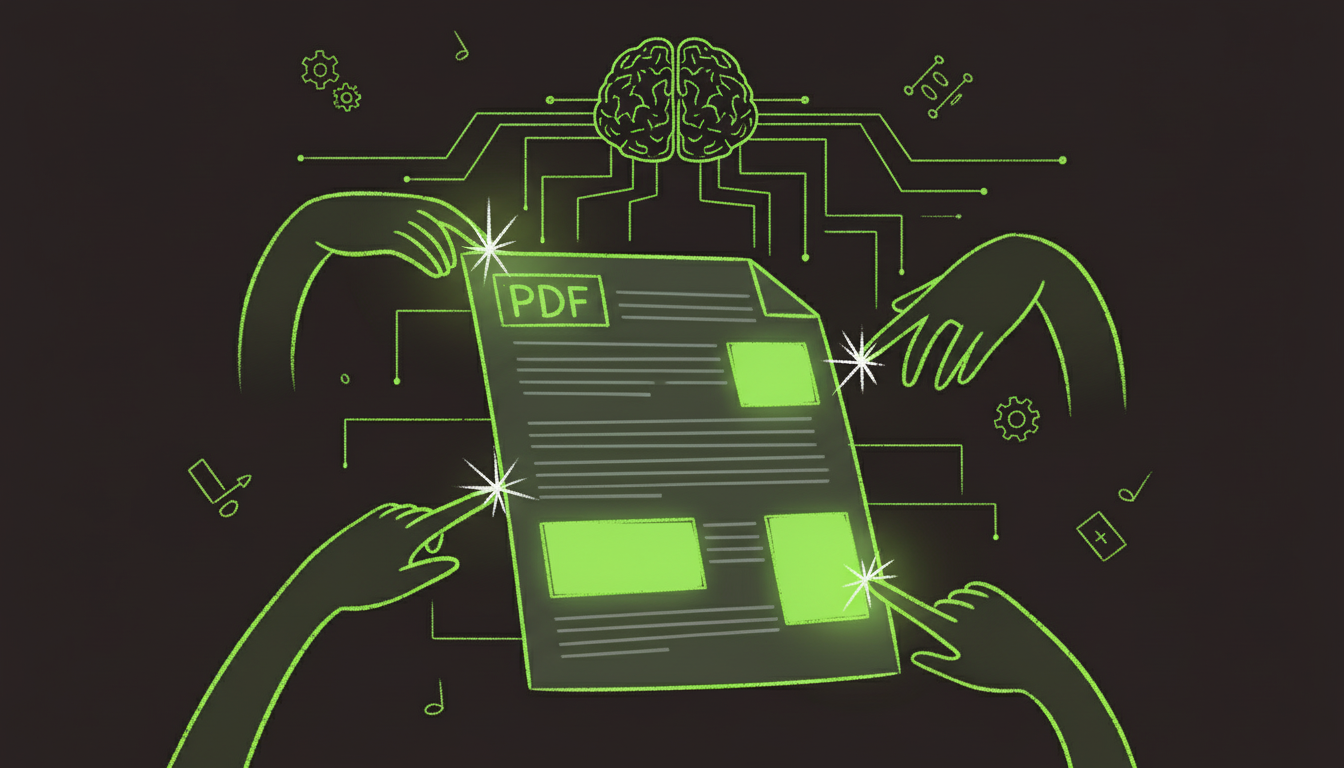
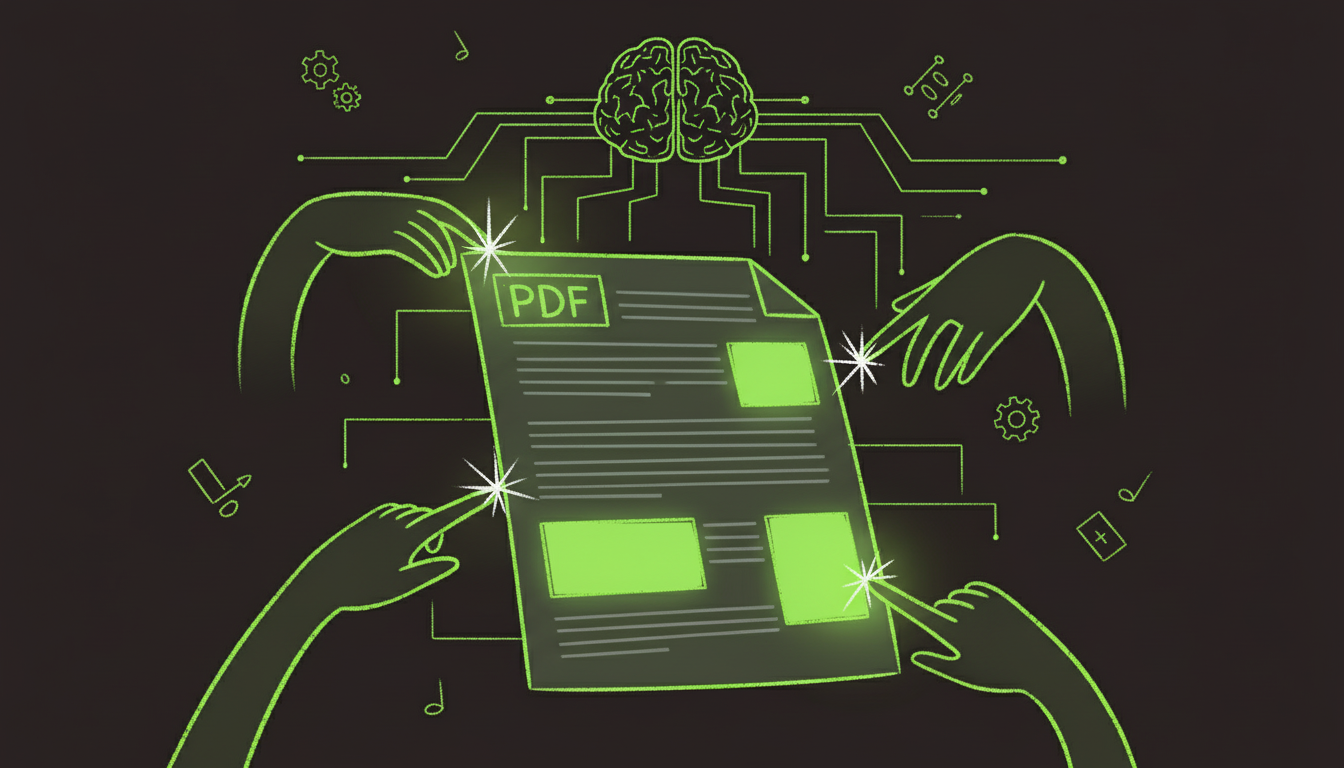
Imagine creating a professional PDF by simply describing what you want. No complex software, no learning curves, just a conversation. That's chat-to-PDF technology, and it's transforming how we interact with documents.
I've tested every major chat-to-PDF platform over the past six months. The results are impressive—what used to take 30 minutes in design software now happens in a 2-minute conversation.
What is Chat to PDF?
Chat-to-PDF lets you create, edit, and manage PDF documents through natural language. Instead of clicking through menus and learning software, you describe your needs, and AI handles the technical work.
Traditional Method:          Chat-to-PDF Method:
─────────────────────────────────────────────────
1. Open software            1. Start conversation
2. Learn interface          2. Describe what you want
3. Create layout            3. AI generates PDF
4. Add elements             4. Refine through chat
5. Format manually          5. Download finished PDF
6. Save PDF

Time: 20-60 minutes         Time: 2-5 minutes
How Chat to PDF Works
The Conversation Flow
User: "Create an invoice for $500 to Acme Corp"
  ↓
AI: "I'll create an invoice. What's the invoice number?"
  ↓
User: "INV-2025-001"
  ↓
AI: "What services were provided?"
  ↓
User: "Web design services, due in 30 days"
  ↓
AI: [Generates PDF with all details]
  ↓
User: "Add our company logo at the top"
  ↓
AI: [Updates PDF with logo]
  ↓
User: "Perfect, download it"
Technology Stack
┌──────────────┐      ┌──────────────┐      ┌──────────────┐
│ Natural      │ ───> │   Document   │ ───> │     PDF      │
│ Language     │      │   Generator  │      │   Output     │
│ Processing   │      │              │      │              │
└──────────────┘      └──────────────┘      └──────────────┘
   GPT-4/ChatGPT          Template Engine      PDF Library
Use Cases
1. Quick Document Creation
Scenario: Need a simple form or document fast
Chat Example:
You: "Create a job application form with fields for name,
      email, phone, experience, and references"

AI: "I've created a professional job application form.
     Would you like me to add a cover letter section?"

You: "Yes, and make the experience field a text area"

AI: "Done! Your form is ready to download."
Time Saved: 15 minutes → 2 minutes
2. Document Editing
Scenario: Modify existing PDF through conversation
Chat Example:
You: [Uploads PDF] "Add a signature field at the bottom"

AI: "I've added a signature field. Where exactly should
     it be positioned?"

You: "Below the terms section, make it 200px wide"

AI: "Perfect! The signature field has been added."
3. Batch Document Generation
Scenario: Create multiple similar documents
Chat Example:
You: "Create 10 invoices, one for each customer in this list"

AI: "I'll generate 10 invoices. Should they all have the
     same due date?"

You: "Yes, 30 days from today"

AI: "All 10 invoices are ready. Download the ZIP file."
Chat to PDF Tools Comparison
| Tool | Free Tier | Accuracy | Speed | Best For |
|---|---|---|---|---|
| AutoFillPDF | ✅ 5/month | ⭐⭐⭐⭐⭐ | ⚡⚡⚡ | Forms & Editing |
| ChatPDF | ✅ Limited | ⭐⭐⭐⭐ | ⚡⚡ | Q&A on PDFs |
| PDF.ai | ⚠️ Trial | ⭐⭐⭐⭐ | ⚡⚡ | Document Analysis |
| Claude + PDF | ✅ | ⭐⭐⭐⭐⭐ | ⚡⚡⚡ | Complex Tasks |
Creating PDFs Through Conversation
Example 1: Invoice Creation
┌─────────────────────────────────────────┐
│ Conversation:                           │
│                                         │
│ You: "Create an invoice"                │
│ AI: "What's the amount?"                │
│ You: "$1,500"                           │
│ AI: "Who is it for?"                    │
│ You: "Tech Solutions Inc"               │
│ AI: "What's the description?"           │
│ You: "Monthly consulting services"      │
│                                         │
│ Result: Professional invoice PDF        │
└─────────────────────────────────────────┘
Example 2: Form Generation
You: "Make a contact form with name, email, message fields"

AI: "I've created a contact form. Should I add:
     - Phone number field?
     - Company name field?
     - File upload option?"

You: "Add phone and company, skip file upload"

AI: "Done! Your contact form is ready."
Advanced Features
Multi-Turn Conversations
Chat-to-PDF supports iterative refinement:
Turn 1: "Create a resume template"
Turn 2: "Add a skills section"
Turn 3: "Make the header blue"
Turn 4: "Increase font size to 11pt"
Turn 5: "Perfect, save it"
Each turn refines the document until it matches your vision.
Context Awareness
Modern AI remembers conversation context:
You: "Create a contract"
AI: "What type of contract?"
You: "Service agreement"
AI: "What services?"
You: "Web development"
AI: "For how long?"
You: "6 months"
AI: [Creates contract with all context]
Voice Input
Some tools support voice commands:
"Hey AI, create a PDF invoice for five hundred dollars"
"Add a signature field here" [points on screen]
"Change the font to Arial"
Integration with Workflows
API Access
Programmatic chat-to-PDF via API:
import requests

response = requests.post(
    'https://api.autofillpdf.com/v1/chat',
    json={
        'message': 'Create an invoice for $500',
        'context': {'customer': 'Acme Corp'}
    }
)

pdf_url = response.json()['pdf_url']
Automation
Combine with automation tools:
Zapier/Make → Chat Command → PDF Generated → Email Sent
Best Practices
Writing Effective Prompts
Good Prompts:
- "Create a job application form with fields for name, email, phone, and work experience"
- "Add a signature field below the terms section, make it 200px wide"
- "Generate 5 invoices from this customer list, all due in 30 days"
Vague Prompts:
- "Make a form" (too generic)
- "Fix this" (unclear what needs fixing)
- "Do something with this PDF" (no specific action)
Iterative Refinement
Don't expect perfection in one message. Use follow-ups:
1. Initial request: "Create a form"
2. Refine: "Add validation to email field"
3. Adjust: "Make it mobile-friendly"
4. Finalize: "Add company branding"
Limitations and Considerations
What Chat-to-PDF Does Well
✅ Simple to moderate complexity documents ✅ Standard form creation ✅ Text-based content generation ✅ Basic formatting and layout ✅ Quick iterations
Current Limitations
⚠️ Complex multi-page layouts may need refinement ⚠️ Precise pixel-perfect design requires multiple iterations ⚠️ Very specific brand guidelines may need manual adjustment ⚠️ Large batch processing (1000+ docs) may have rate limits
Real-World Examples
Example 1: Small Business Owner
Need: Quick invoice generation
Before: 10 minutes per invoice in software After: 1 minute conversation, PDF ready
ROI: 90% time savings
Example 2: HR Department
Need: Custom job application forms
Before: 30 minutes designing in Adobe After: 3-minute conversation, form ready
ROI: 10x faster
Example 3: Freelancer
Need: Client contracts
Before: Copy-paste and manually edit templates After: Describe requirements, AI generates custom contract
ROI: Consistent quality, faster turnaround
Future of Chat to PDF
Emerging Capabilities
- Multi-modal Input: Upload images, describe changes
- Real-time Collaboration: Multiple users chat to edit same PDF
- Learning from Examples: AI learns your style preferences
- Integration with Data: Pull from databases automatically
Trends to Watch
- Voice-first interfaces
- Mobile-optimized chat experiences
- Industry-specific templates
- Advanced formatting control
Getting Started
Step 1: Choose a Tool
Start with a free tier to test capabilities:
- AutoFillPDF: Best for forms and editing
- ChatPDF: Good for document Q&A
- Claude: Excellent for complex tasks
Step 2: Start Simple
Begin with basic requests:
- "Create a simple contact form"
- "Add a text field here"
- "Generate an invoice template"
Step 3: Iterate and Learn
Refine your prompts based on results:
- Be specific about requirements
- Use follow-up questions
- Learn what works best
Conclusion
Chat-to-PDF represents a fundamental shift in how we create documents. Instead of learning complex software, we describe our needs in natural language and let AI handle the technical work.
The technology isn't perfect yet, but it's already saving significant time for simple to moderate document creation tasks. As AI continues improving, chat-to-PDF will become the primary way most people interact with PDFs.
The key is starting simple and building complexity gradually. Begin with basic forms and invoices, then explore more advanced features as you become comfortable with conversational document creation.
Ready to try chat-to-PDF? Start a conversation with AutoFillPDF and experience the future of document creation.